eCourses Business Account Guide
- Getting started
- Need Help?
- Frequently Asked Questions
An eCourses Business Account enables organisations to purchase digital course vouchers and distribute them to learners within their workforce. It also provides visibility of learner progress and access to completed certificates.
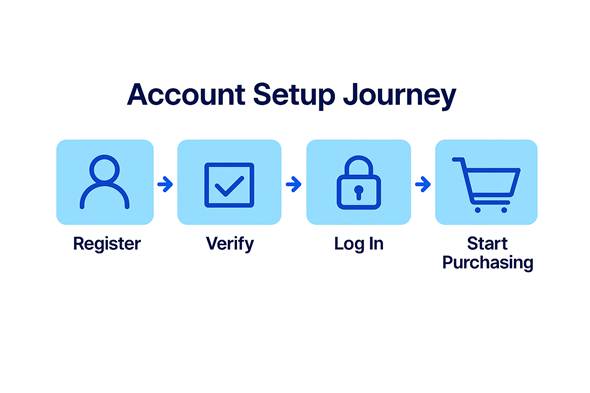
Use this step-by-step guide to set up your account.
|
Getting started |
|
Before you can begin purchasing vouchers or supporting learners, you’ll need to set up your Business Account. A Business Account is designed for organisations who want to
It cannot
|
||
|
|
||
|
Use your Business Account to:
If you need to take a course yourself, choose a Learner Account instead.
A learner account allows learners to:
To complete the registration form you will need Business details • Business name and registered address
This will be the administrator for your account
You’ll create a password during registration. Check everything carefully — changes later can only be made by contacting Support.
At a glance
Each account needs its own unique email address, this means that an email used for a Learner Account cannot be reused for a Business Account. Wherever possible, use a shared organisational email, such as training@company.co.uk.
If you forget your password, use the Forgot Password link on the login page.
|
||
|
|
||
|
Account Setup Graphic Placeholder
|
Insert news content here
